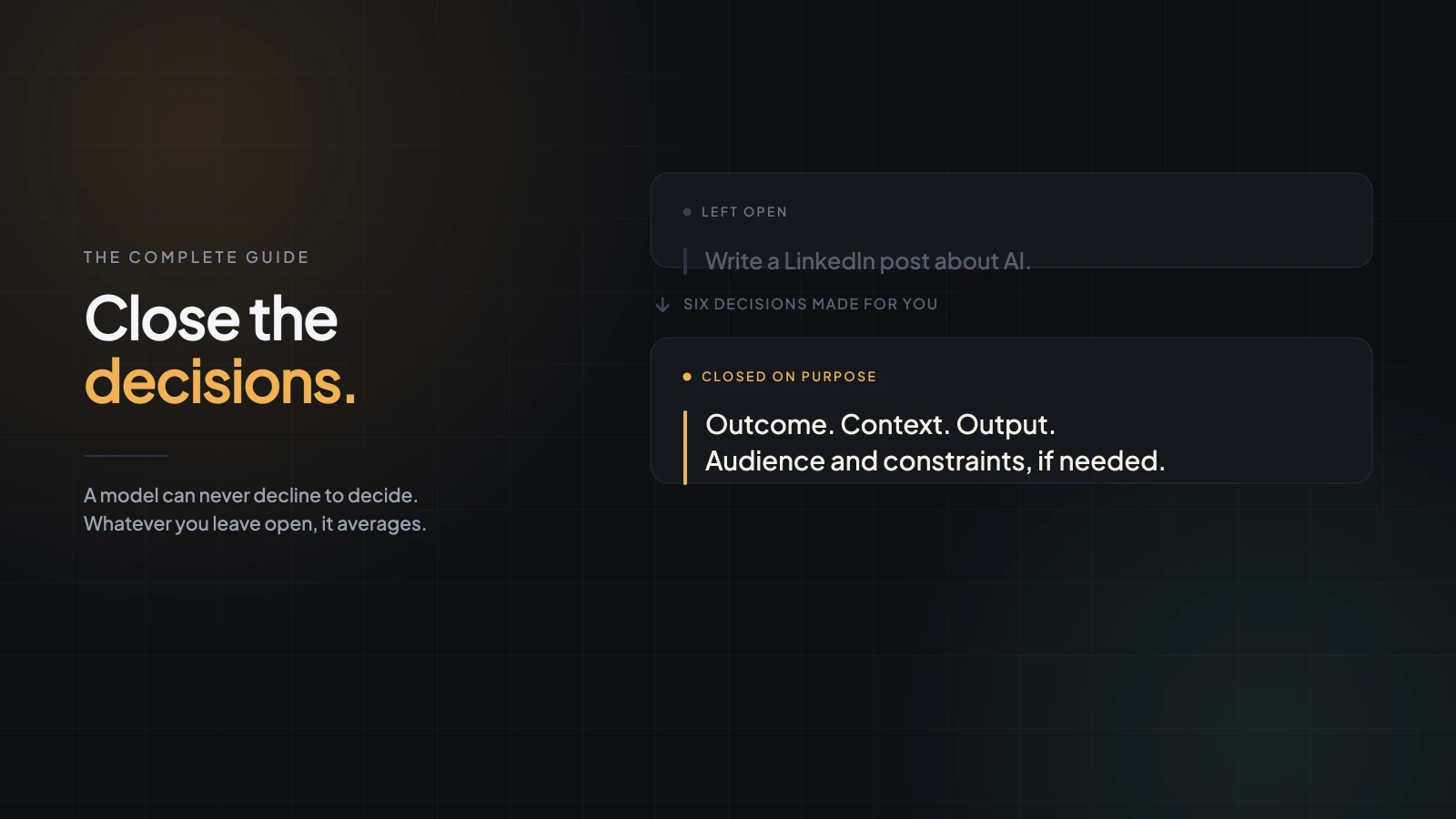
You don't need to learn prompt engineering. You need to stop leaving decisions open — and most of the time there are only three that matter.
Somewhere in your browser there are probably two or three bookmarked guides to writing better AI prompts. You read them, they made sense, and the next morning you typed "write a follow-up email to this client" exactly as you would have before.
That's not a discipline problem. It's what happens when advice is framed as a subject to learn rather than a thing to do in the ten seconds you were already going to spend. Nobody taught you how to ask — and the version that sticks has to be small enough to remember while you're typing.
So here is the whole method, in one page, in the order you'd actually use it.
Every mediocre answer is a decision you left open
This is the one idea everything else hangs from. A model can't decline to decide. Give it a request with gaps, and it fills each gap with the most average plausible choice — which is exactly why the output comes back competent, generic, and slightly wrong for your situation.
Ask for "a LinkedIn post about AI" and you've left open the audience, the angle, the length, the tone, the purpose, and whether there should be an example in it. Six decisions, made for you, by averaging. That's where generic answers come from — not from the model being lazy.
Writing a better prompt is just closing the decisions you actually care about, and leaving the rest open on purpose.
Three decisions, in the order you make them
In order: outcome, context, output. Say what you want, give what it can't work out for itself, describe what the answer should look like.
Outcome — what you want to exist at the end. Not a topic, a result. "Help me with marketing" names a territory; "five content ideas for a B2B SaaS company" names a thing you'll have when it's finished. This step takes about four seconds and removes more guesswork than anything else you can do; the original three-step walkthrough takes each one slowly.
Context — the facts that would change the answer. Not background. Not your company profile. The specific things the model has no way of knowing: what already happened, the material being worked on, what you've already tried. If deleting a sentence wouldn't change the answer, it was padding, and padding dilutes the parts that matter. There's a quick test that tells context from background.
Output — what you want to be holding. A container (table, five bullets, an email), a size as a number, the structure if it repeats, and the one thing to leave out. A correct answer in the wrong shape costs you more than a wrong one, because you have to read all of it before you find out. Specifying the shape takes one line, and getting that line right is mostly a matter of numbers instead of adjectives.
Together, in a real request:
Write a LinkedIn post for B2B SaaS founders about using AI to cut repetitive customer-support work. They already use AI, so skip the basics. One concrete example, not a list of use cases. Under 180 words, conversational, and don't open with "AI is transforming".
Nothing clever happened there. Three decisions got made by a person instead of by an average.
Two more, when the task is fussy
Audience. Who reads this, and what they already know. A CFO evaluating a purchase and a first-year student meeting the same concept need the same facts delivered completely differently. Easy to confuse with context; keep them apart, because you can have perfect context and still pitch it at the wrong person.
Constraints. What the answer must respect or avoid. Word count, no jargon, three options instead of a wall of text, nothing that implies a date we haven't committed to. Constraints are what stop a model drifting into filler when it runs out of things to say.
That's five elements total, and you will almost never use all five. Most everyday requests need outcome and output, with one line of context.
What the three steps don't cover
Being honest about the edges of a method is more useful than defending it.
The three steps make an answer specific. They do nothing to make it true. Nothing in outcome, context or output tells the model how you'll judge the result, or asks it to admit what it wasn't sure about — and a confidently written, beautifully formatted wrong answer is the most expensive output there is.
Two additions close that gap, and they're worth knowing once the basics are automatic:
Success criteria. Say what a good answer would have to do, not just look like. "It should work for someone who's never heard of us" is a testable bar; "make it good" isn't.
A verification step. Ask the model to mark what it inferred rather than knew, or to list what it would need from you to be more confident. One sentence, and it turns a black box into something you can audit.
How this lines up with the Prompt Quality Score
If you build a prompt in the Promptliness editor, you'll see it scored live on a set of named dimensions — context, specificity, constraints, format, output, success criteria, verification step, and several more. It's the same idea measured more finely.
The mapping is direct: context and specificity are the second step; format and output are the third; constraints is the extension above. Success criteria and verification step are the two this method doesn't teach in its basic form — which is exactly why they're scored separately.
Learn the three steps because they fit in your head while you type. Use the score when you want to see which decision you left open this time.
When a better prompt isn't the answer
You haven't decided yet. If you don't know whether the email should concede the point or hold the line, no framework decides that for you. The model will pick, arbitrarily. Decide first, then write.
The information doesn't exist. Internal numbers, what a competitor announced yesterday, how your team actually talks. Specificity doesn't create knowledge — you have to supply it.
The request is doing too many jobs. When a prompt has grown to four paragraphs and the answer keeps dropping one requirement, more detail makes it worse. Split it into two prompts and run them in sequence.
The short version
Outcome, context, output. Add audience and constraints when the task earns them. Before you send anything that matters, ask which decisions you've left for the model, and close only the ones you actually care about.
It costs about ten extra seconds, and it's the difference between an answer you use and an answer you rewrite.